Login to activate Adobe Acrobat features
This only applies to users who have an active Adobe Acrobat license.
-
Launch Adobe Acrobat.
-
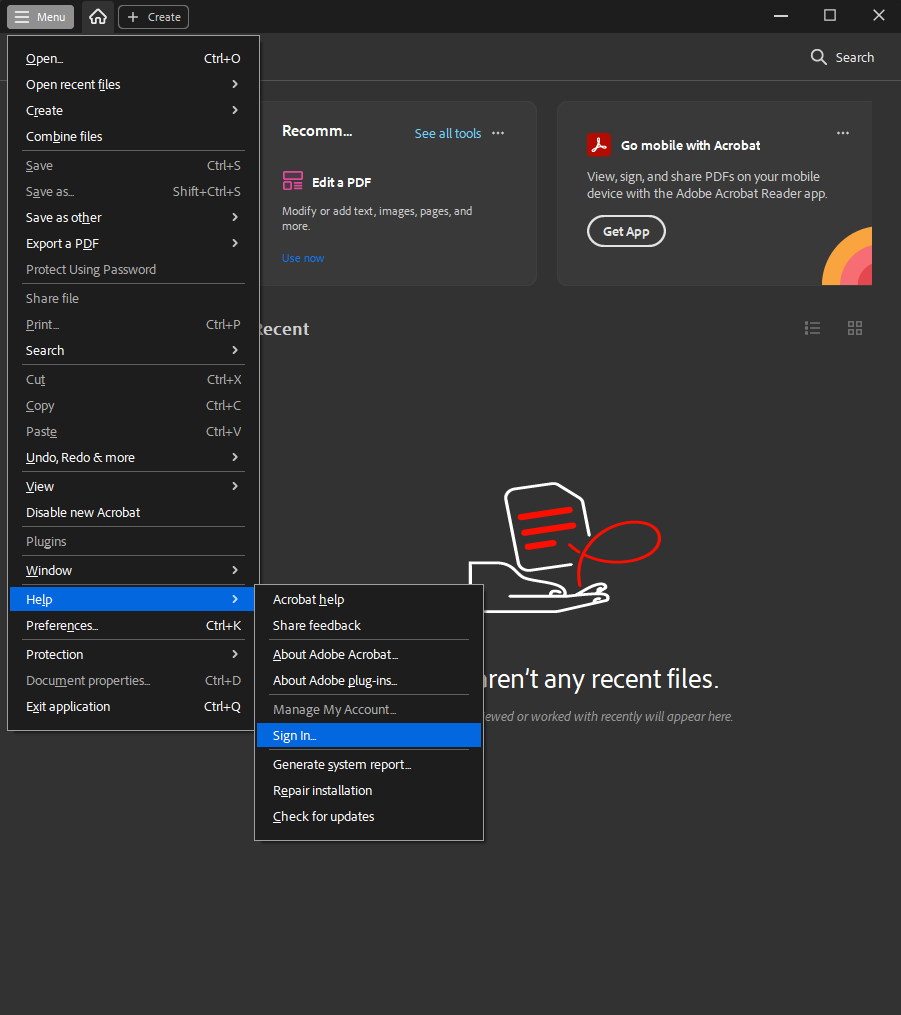
Go to Menu > Help > Sign in
-
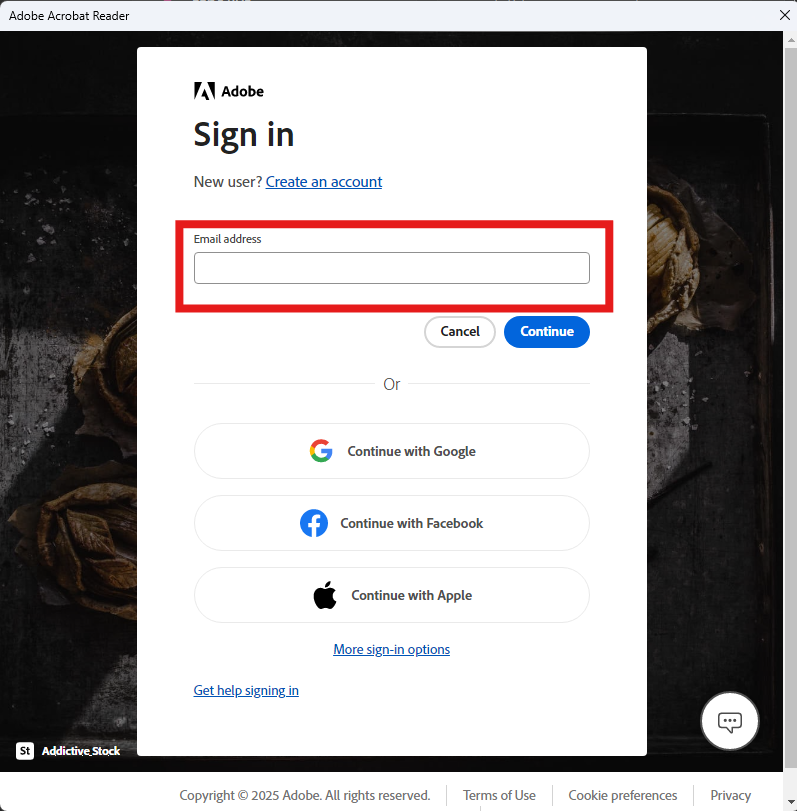
Sign in only with your work email account.
-
You will use whatever password you set when setting up the account. If you do not know the password use the password reset option.
-
If it asks you to provide a secondary email address you can hit skip.
-
The application may close after you login. But will now have additional features.